Software project rescue for failed apps that last
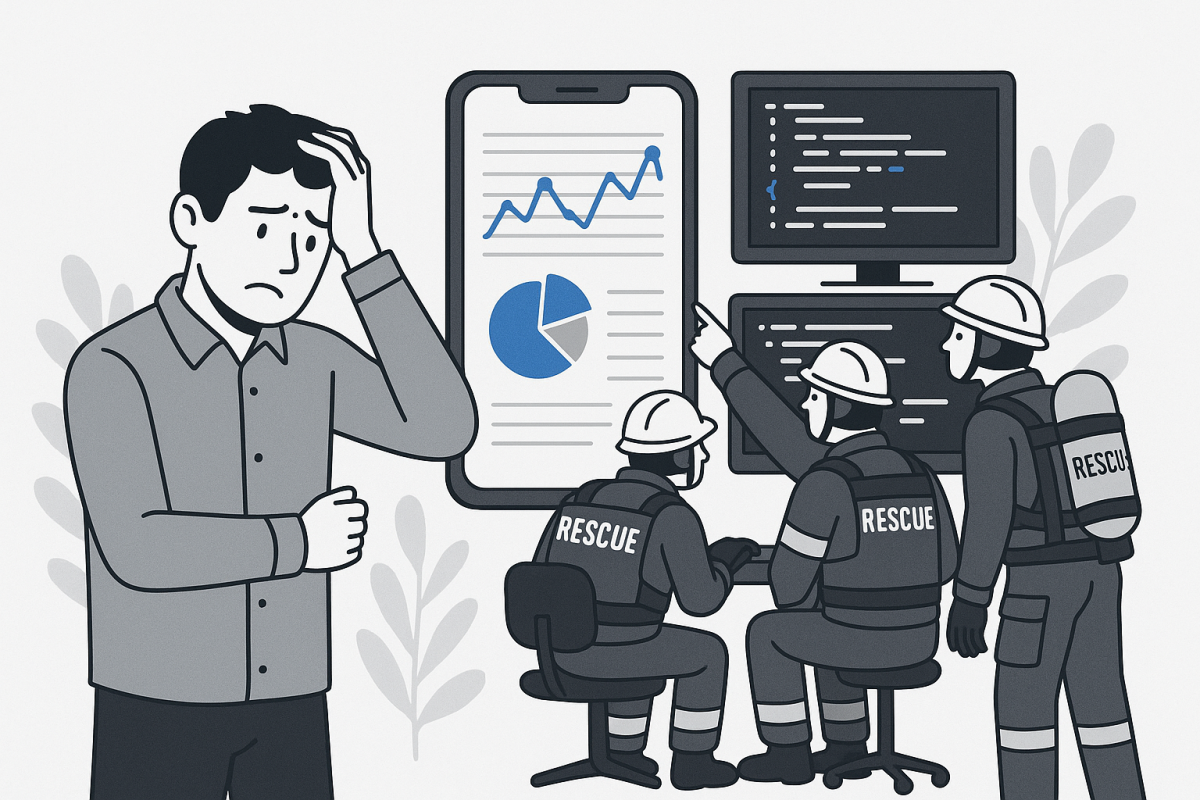
When Your App Fails And You Cannot Afford To Start Over
A failed app is not just a technical problem. It is sunk marketing spend, delayed revenue, investor pressure, and frustrated users who may never come back. For non-technical founders and marketing led teams, the scariest part is usually this question:
Can this be saved, or do we have to rebuild from scratch?
Software project rescue services for failed apps give you an experienced recovery team that steps into a troubled or stalled project, stabilizes it, and gets it back on a path to launch or growth. Instead of guessing what went wrong, you get a structured recovery plan, clear tradeoffs, and execution support.
This guide explains what rescue services include, when to call for help, how a good partner actually works, and what to watch out for so you do not throw more money at a sinking ship.
Key Takeaway: A serious rescue partner does not start by coding. They start by diagnosing, scoping risk, and only then choosing between rescue, partial rebuild, or full rebuild.
What Software Project Rescue Services Really Cover
Software project rescue is not just bug fixing. It is a structured intervention to take a failing or stalled app and turn it into a maintainable, shippable product with clear ownership.
Typical situations where rescue services help
Most rescue engagements start from one of these scenarios:
- Offshore team disappeared mid build, leaving half finished features
- MVP shipped, but crashes are killing retention and app store ratings
- Technology choice was wrong for the use case, and performance collapsed at scale
- Code works in demo, but cannot pass basic security or compliance checks
- Internal team is blocked by architectural mistakes and cannot move forward
Rescue teams have seen these patterns many times, which is why they can move faster and with more certainty than a new generalist agency.
Core components of a rescue engagement
A solid rescue service usually includes:
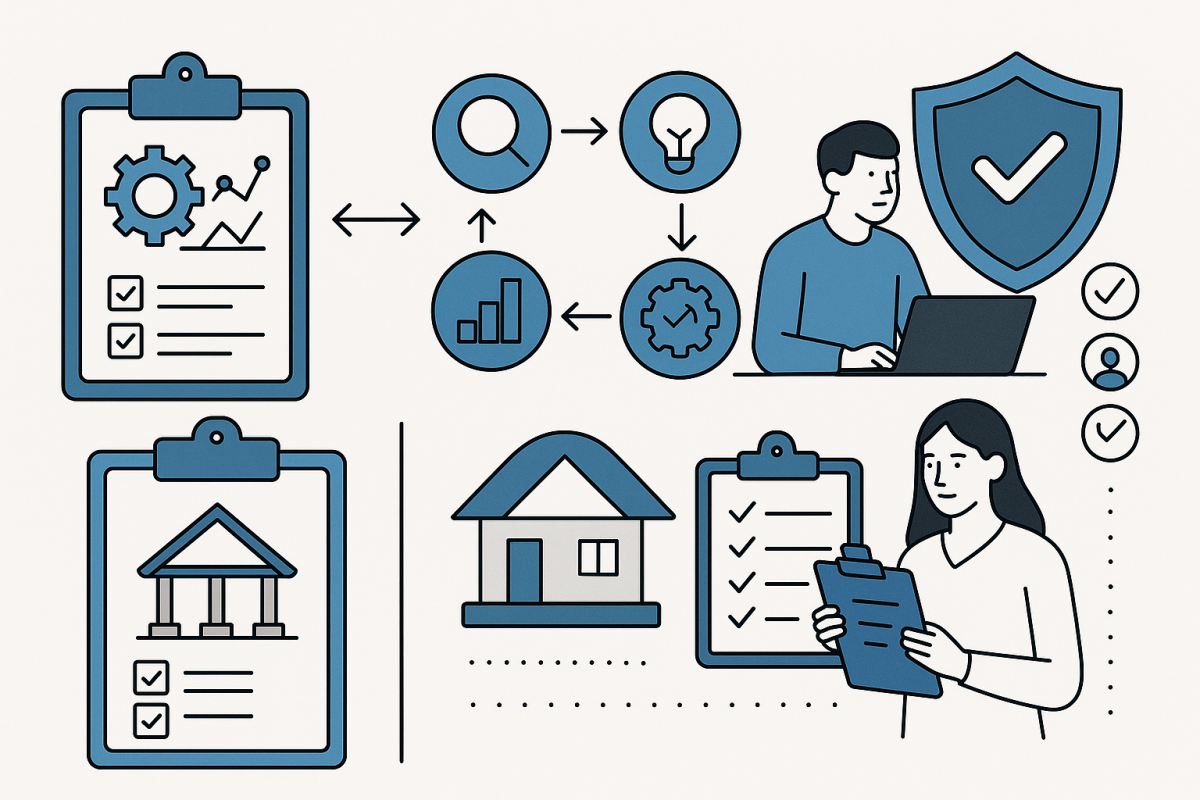
- Technical audit: Code review, architecture mapping, dependency and library assessment
- Product audit: User flows, functional gaps, analytics, and alignment with business goals
- Risk assessment: Security, data integrity, performance, and scalability
- Rescue plan: Prioritized roadmap to stabilize, fix, or rebuild problem areas
- Execution: Dedicated team to implement, test, and ship incremental improvements
Pro Tip: If a vendor proposes a rescue without a paid, time boxed discovery or audit phase, you are likely buying guesses instead of a plan.
Why Apps Fail And How Rescue Services Address Each Cause
Most “failed” apps suffer from a cluster of issues, not a single bug. Understanding the root causes helps you judge whether rescue is realistic.
Common root causes of failed apps
Here are the usual suspects and how rescue teams tackle them:

| Failure Cause | What It Looks Like In Real Life | Rescue Focus |
|---|---|---|
| Poor architecture | Every new feature breaks something; performance degrades quickly | Architecture refactor, modularization |
| Unclear or shifting requirements | Endless rework, features no one uses | Product discovery, roadmap reset |
| Wrong tech stack | Hybrid app feels sluggish, web-only stack for heavy real time use | Stack assessment, selective re-platforming |
| Lack of QA and automation | Bugs reappear, releases keep getting rolled back | Testing strategy, CI/CD pipelines |
| Team turnover or vendor failure | No one understands the code, missing documentation | Knowledge recovery, documentation, stabilization |
For example, a growth stage ecommerce brand that built a Hybrid App with the wrong caching strategy might see checkout times spike under load. A rescue team would not just patch the checkout. They would profile performance, adjust caching and API design, and retest under realistic traffic.
When a rescue makes sense versus a rebuild
Rescue is usually viable if:
- The core architecture is sane, but implementation quality is uneven
- You have at least some documentation or access to existing developers
- User feedback confirms real value, even if the app is buggy
A rebuild is often better if:
- Technology choices are fundamentally misaligned with your needs
- The codebase is untestable, tightly coupled, and impossible to extend
- You already tried multiple “big refactors” that only made things worse
Key Takeaway: The goal is not to “save” code. The goal is to reach a stable, maintainable product as fast and safely as possible, even if that means replacing parts of the system.
How A Professional Rescue Process Actually Works
Rescue services should follow a disciplined, transparent process. If it feels like ad hoc firefighting, you are not getting expert level help.
Step 1: Discovery and technical audit
The team first gathers facts:
- Access to code repositories, backlog, design files, and error logs
- Interviews with founders, product owners, and any remaining developers
- Review of current deployment pipeline and hosting environment
They produce a short, concrete audit output, for example:
- Architecture diagram and dependency map
- List of critical defects and risks, with severity and impact
- Estimation of rescue options, including timelines and costs

Step 2: Stabilization and risk containment
Before building new features, a rescue team will:
- Fix crashes and data corruption issues first
- Put basic monitoring and alerting in place
- Add targeted automated tests around the riskiest parts of the code
This is where you often see the fastest business impact. For a mobile retail app, this might mean stabilizing login, cart, and checkout flows before touching anything else.
Step 3: Iterative recovery and improvement
With the fire contained, the team moves in short cycles:
- Implement architectural improvements and refactors in small increments
- Deliver prioritized feature fixes and usability improvements
- Continuously test on target devices and platforms
For mobile products built with frameworks like Ionic, a rescue might include reviewing how your Ionic Mobile App interacts with native device APIs, then optimizing performance for both iOS and Android.
Step 4: Handover and long term support
A real rescue only finishes when:
- There is documentation for architecture, deployments, and operations
- You have a maintainable backlog, not just a list of emergencies
- Either your internal team or the vendor can continue product development in a predictable way
Important: Insist on repository access, infrastructure credentials, and clear documentation from day one. That way, if the rescue vendor disappears, your project does not fail again.
Choosing The Right Partner For Your Rescue
Not every development agency is good at rescue work. The constraints are different from greenfield builds, and your risk is much higher.
Key evaluation criteria
Use these questions to qualify a rescue partner:
- Experience: How many rescue or turnaround projects have you done in the past 2 years? Can you share anonymized examples?
- Process: What does your audit phase look like, and what exactly will I receive at the end?
- Communication: Who will be my day to day contact, and how often will I see working builds?
- Technical fit: Do you have senior engineers for my stack (for example, native mobile, Mobile Apps, hybrid, or web)?
- Risk transparency: Will you explicitly tell me if a rebuild is wiser than a rescue?
Ask for a written proposal that includes both a short audit phase and possible follow on paths, with clear assumptions.
Warning signs and red flags
Be cautious if a vendor:
- Promises “quick fixes” without reviewing the codebase in depth
- Refuses to work with your existing infrastructure or tools at all
- Dismisses concerns about technical debt, testing, or documentation
- Cannot clearly explain their recommended approach in plain language
Warning: The most expensive rescue is the second one. Choose a partner who is willing to say “no” to unrealistic timelines or expectations.
Cost, Timeline, And ROI Expectations
Founders and product leaders usually face the same questions: how long will this take, what will it cost, and is it worth rescuing at all?
Typical cost and timeline patterns
Every project is different, but some patterns are common:
| Project Situation | Rescue Timeline Range | Budget Pattern |
|---|---|---|
| Small MVP with critical bugs | 2 to 6 weeks | Fixed price for audit, then small retainer |
| Mid sized ecommerce or content app | 2 to 4 months | Audit plus phased milestones |
| Complex enterprise or multi app ecosystem | 3 to 9 months | Hybrid: base team plus outcome based bonuses |
A good rule of thumb: if your original build took 6 months, a serious rescue might take 30 to 50 percent of that time, depending on code quality and scope.
Measuring whether rescue is worth it
Rescue services are an investment if they:
- Reduce time to a stable, shippable version by months
- Recover or unlock revenue from channels that are currently broken
- Avoid full rebuild costs, which can be 2 to 4 times higher
You can model this simply:
- Estimate monthly revenue impact of a working app
- Estimate monthly cost of delays or downtime
- Compare that to the cost and duration of a realistic rescue
Key Takeaway: Decide with numbers. A rescue that gets you to market 3 months faster can easily pay for itself, even if the short term cost feels high.
Practical Steps Before You Call A Rescue Team
You can set up any rescue engagement for success by doing some groundwork internally first.
Collect assets and access
Prepare:
- Repository links or code archives
- Credentials for hosting, CI/CD, analytics, and app store accounts
- Any documentation, specs, wireframes, or design files
- Current backlog, bug list, and user feedback summaries
Even partial information reduces audit time and uncertainty.
Clarify business priorities
Define and share:
- Your primary business goal: launch, retention, revenue, compliance, or migration
- Your non negotiables: deadlines tied to funding, contracts, or campaigns
- What you can compromise on: minor features, cosmetic changes, nice to haves
This clarity helps the rescue team design a plan where tradeoffs are explicit, not accidental.

Set realistic communication expectations
Align on:
- Weekly or biweekly demos
- Shared Slack or similar channel
- Monthly or milestone based steering meetings
Fewer surprises mean less risk and a higher chance that you actually ship what the business needs.
How QloudSoft Can Help Rescue Your Failed App
QloudSoft specializes in bringing stalled and failed digital products back to life for non technical founders, growth ecommerce brands, and enterprises with high stakes software.
In a typical rescue engagement, QloudSoft will:
- Run a structured audit of your mobile, web, or hybrid app stack
- Quickly stabilize critical paths such as login, transactions, or content delivery
- Decide, together with you, where to refactor and where to rebuild
- Provide ongoing product and engineering support after the crisis phase
If your Ionic or other Hybrid Apps underperform, or your Mobile Apps are stuck in endless bug fixing, QloudSoft can help you define a clear recovery path instead of another round of guesswork.
To explore whether your app can be rescued instead of rebuilt from scratch, visit QloudSoft and request a structured audit.
QloudSoft
Learn more: https://www.qloudsoft.com
Pro Tip: Use the audit as a decision tool. Even if you decide to rebuild elsewhere, a neutral, structured assessment of your current app will save you money on the next attempt.
Key Takeaways Summary
- Software project rescue services stabilize and revive failing apps so you do not have to start over blindly.
- Successful rescues begin with an in depth technical and product audit, not a rush into coding.
- Common failure causes include poor architecture, wrong tech choices, weak QA, and vendor collapse. Each has specific remedies.
- Choose partners with real rescue experience, transparent processes, and the courage to recommend a rebuild when warranted.
- Model ROI using time to market and recovered revenue, not just engineering costs.
- Preparation on your side, including access and clear priorities, significantly improves rescue outcomes.
Frequently Asked Questions
What exactly are software project rescue services for failed apps?
Software project rescue services are specialized engagements where an experienced team takes over a troubled or failing app, diagnoses the root issues, and executes a structured recovery plan. This often includes a technical and product audit, stabilization of critical bugs, targeted refactors, and incremental feature delivery. The goal is to turn an unshippable or unreliable app into a stable product that the business can depend on and continue to evolve.
How do I know if my failed app can be rescued or must be rebuilt?
You will not know for sure until you complete a focused audit, but some signals help. Rescue is more realistic if your architecture is broadly sound, users see value despite the bugs, and there is at least partial documentation. A rebuild is more likely if the tech stack is unsuitable for your use case, the code is tightly coupled and untestable, or several previous attempts to “fix everything” have failed. A good rescue partner will present both options with tradeoffs.
How long does a typical app rescue engagement take?
Smaller MVPs, such as a basic ecommerce or content app, can often be stabilized in 2 to 6 weeks, with further improvements over 1 to 2 months. Mid sized and complex systems usually require 2 to 6 months, depending on scope, quality, and compliance needs. Timelines depend heavily on access, clarity of requirements, and how much you want to change beyond basic stabilization. Any vendor promising a complete turnaround in a few days is typically underestimating the complexity.
Are software project rescue services more expensive than starting over?
On a per month basis, rescue work may appear more expensive because it often requires senior engineers and careful risk management. However, the overall cost is usually lower than a full rebuild, especially when you factor in time to market. If rescue gets you to a stable, revenue generating app several months sooner, the opportunity cost saved typically outweighs the higher day rate. A structured audit will help you compare total cost and value for both options.
Can I keep my existing development team during a rescue?
Yes, and in many cases this is preferred. A rescue partner can work alongside your internal or previous external team, using them as a source of context and eventually transitioning ownership back once the crisis phase is over. The key is clear roles and communication. Your existing team may continue handling minor features or support tickets, while the rescue team focuses on architecture, critical fixes, and process improvements that set everyone up for success.
About Post Author